
Your Marketplace Shopping & Card Installation Guide 📲

Why wait? Get the PointsBank™ Club Marketplace shopping Card on your phone — fast, fun, and packed with perks.
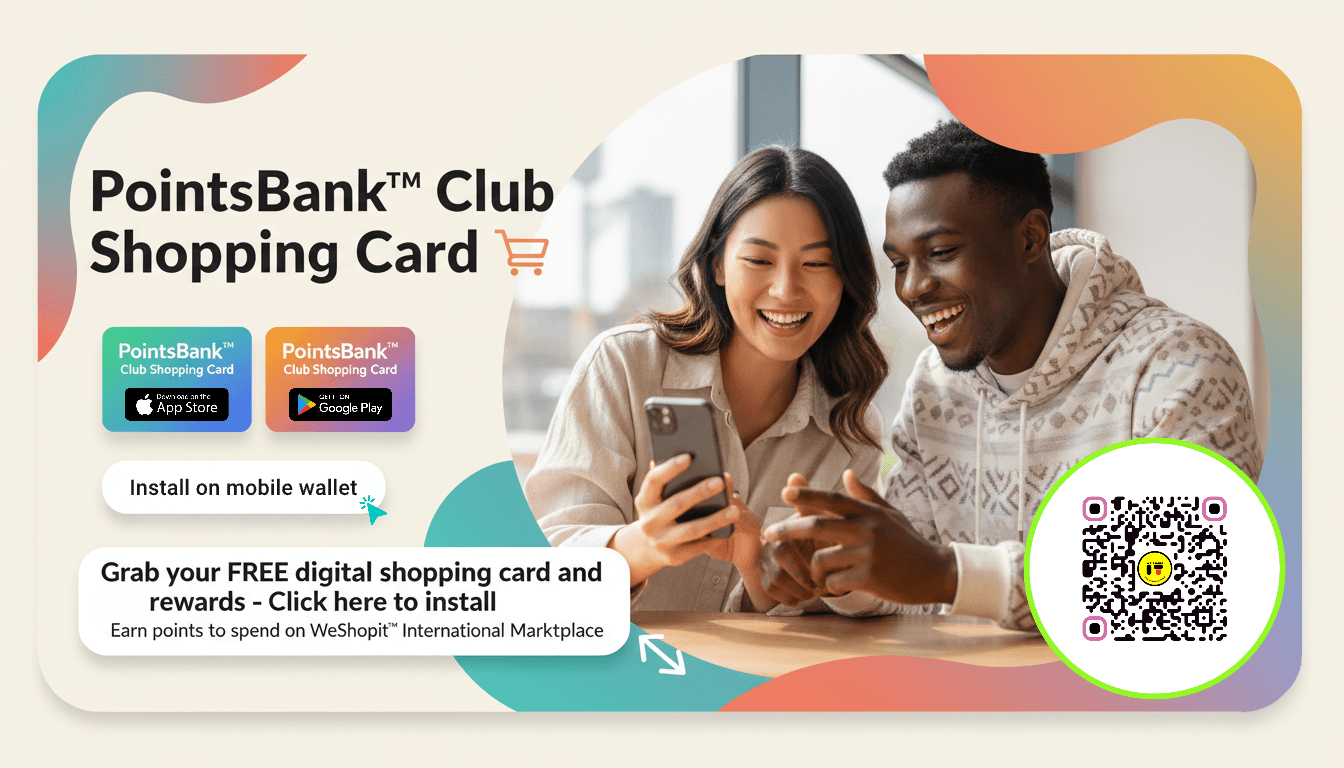
*Install now and turn every Marketplace visit into a tiny victory.
Follow this easy step-by-step guide, and you’ll be collecting points, grabbing member-only deals, and unlocking extras in minutes.
1. Tap the link
- Open this on your phone: https://mycards.pointsbank.club/getpass/33237?utm_source=marketplace
- Pro tip: Use your phone browser for the smoothest install.
2. Hit “Get Card” (or similar)
- You’ll see a bright call-to-action on the page. Tap it.
- This installs the PointsBank™ Club card to your device so it’s ready at checkout.
3. Add to your wallet
- Follow the prompts to add the card to your Apple Wallet or Google Wallet. It’s one tap, and you’re done.
- Can’t find the option? Look for “Add to Wallet,” “Save to Phone,” or a wallet icon.
4. Jump inside the Marketplace
- Browse and see all the latest drops in the marketplace.
- Select the items available with points and use your points to redeem them.
5. Select Allow Notifications
- Turn on 'allow notifications' to catch flash deals, early drops, and bonus-point events.
- Look out for member-only tags and extra-point promos while you browse.
6. Earn points with reviews
- After buying, leave a short written or video review to earn extra points.
- Quickly submitted video reviews are often rewarded with bigger point bonuses.
7. Make it routine — keep stacking rewards
- Keep completing tasks, surveys, and other feedback activities to earn loads of shopping points.
- Invite friends: send your referral link and earn bonus points when they sign up and shop
Tips & troubleshooting
Using an iPhone? Add to Apple Wallet via the “Add to Wallet” button. Using Android? Add to Google Wallet or follow the on-screen steps.
- No welcome points? Wait a few minutes, and refresh. Still stuck? Contact PointsBank™ Club support from the card page.
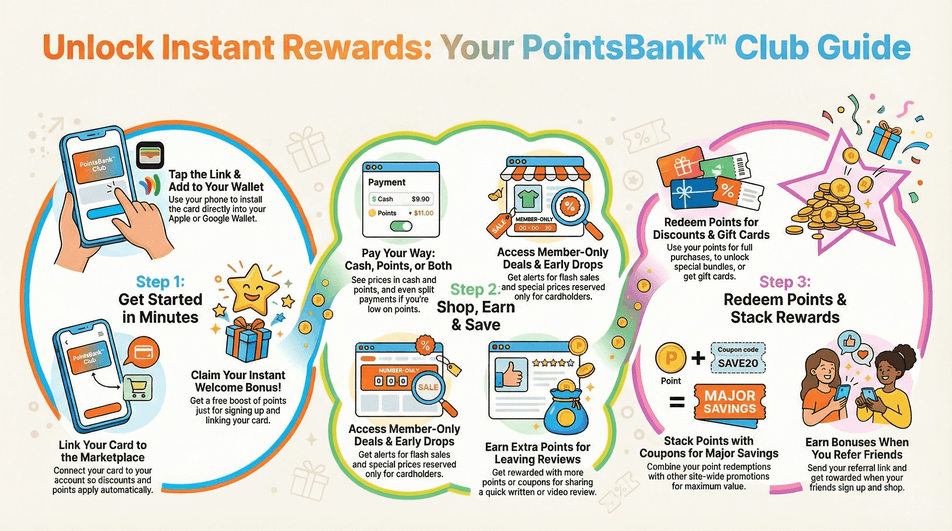
*Instant welcome points, one-tap checkout, member-only deals, and the ability to pay with points or cash. Reviews earn extra points. It’s like free money that actually helps you shop smarter.
Get More:
Perks from Day One
- Instant signup bonus: Get welcome points the second you install and link your card — a quick boost to start saving right away.
- One-tap checkout: Save time at purchase with fast, secure payments tied to your PointsBank™ Club balance. Less typing, more buying.
Reviews that reward you
- Get discounts for reviews: Leave a quick video or written review after a purchase and earn extra points or exclusive coupons.
- VIP trial perks: Be part of product tests and early trials where reviewers get freebies or bigger point rewards
Social-ready and shareable
- Share deals with friends: Send referral links and reap referral bonuses when friends sign up.
- Use review clips anywhere: Opt to let merchants reuse your short review videos — and get rewarded when they do.
Quick start checklist
Install the PointsBank™ Club mobile card.
- Browse deals showing cash + points prices.
- Redeem points, stack coupons, and leave a review for extra rewards.
Ready to level up shopping? Install PointsBank™ Club and turn every Marketplace visit into a reward-filled win.
Small wins add up — we’ll celebrate them with you...
💎 If you would like some additional loyalty & marketing support, then you can book a meeting with one of our consultants here: BOOK YOUR SESSION HERE!